Beginner tutorial
How to Solve a Six Neighbors Puzzle
We’ll solve a three-move puzzle step by step, learning how moves work and how to inspect the board before taking a move.
Open this introductory puzzle in a separate windowThe starting puzzle
Six Neighbors is played on a board of 27 cells. The goal is to make every cell black. Here’s the puzzle we’ll solve.
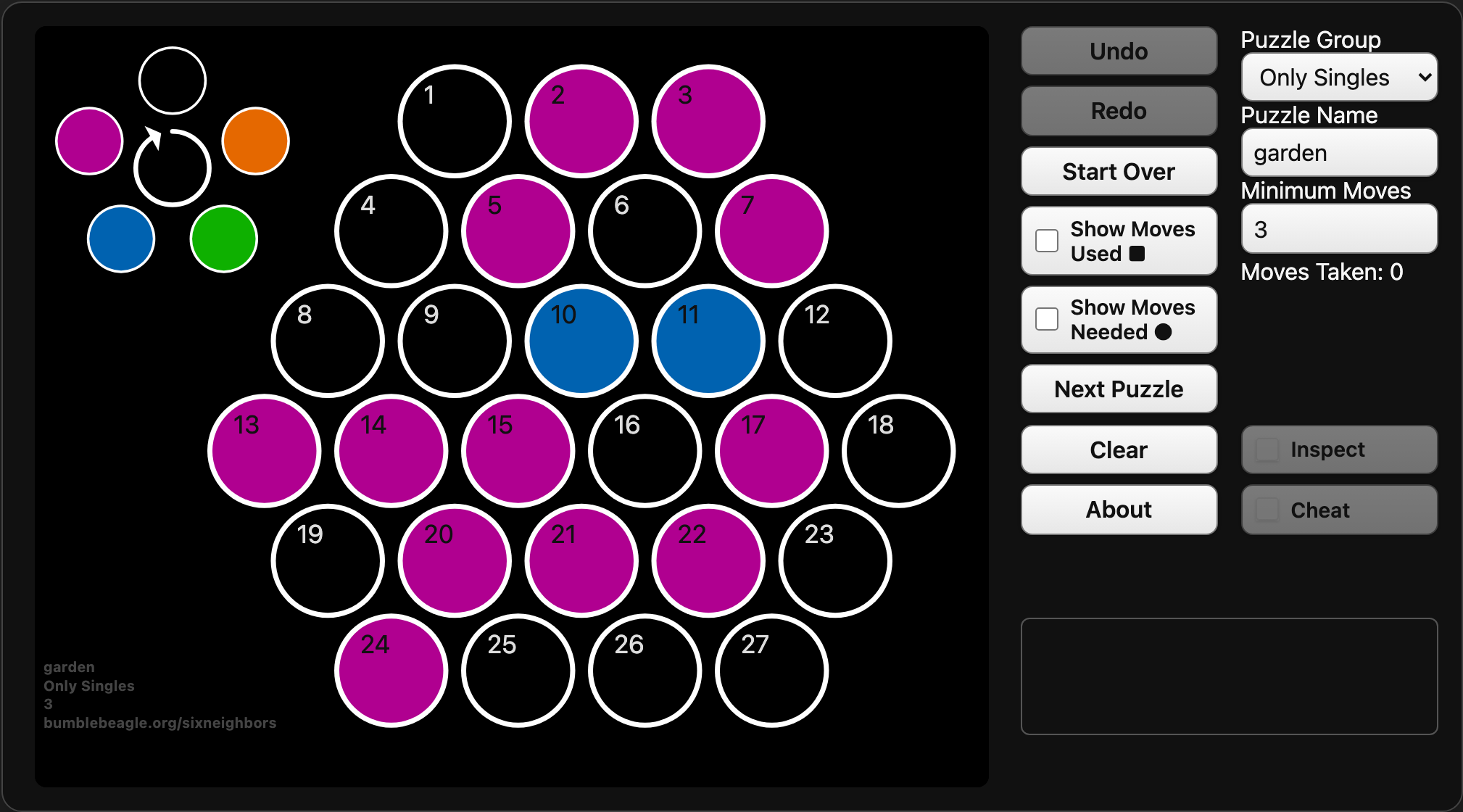
Clicking or tapping a cell changes the colors of its neighboring cells. Each cell cycles through five colors in the order shown by the diagram beside the board: black to tangerine to lime to blueberry, to plum, then back to black.
First move: cell 19
Interior cells have six neighbors; cells along the edge have fewer. With a mouse, hovering over a cell previews (“inspects”) its neighborhood. Below, cell 19 has four neighbors. The small dot in each neighboring cell shows the color it will change to.
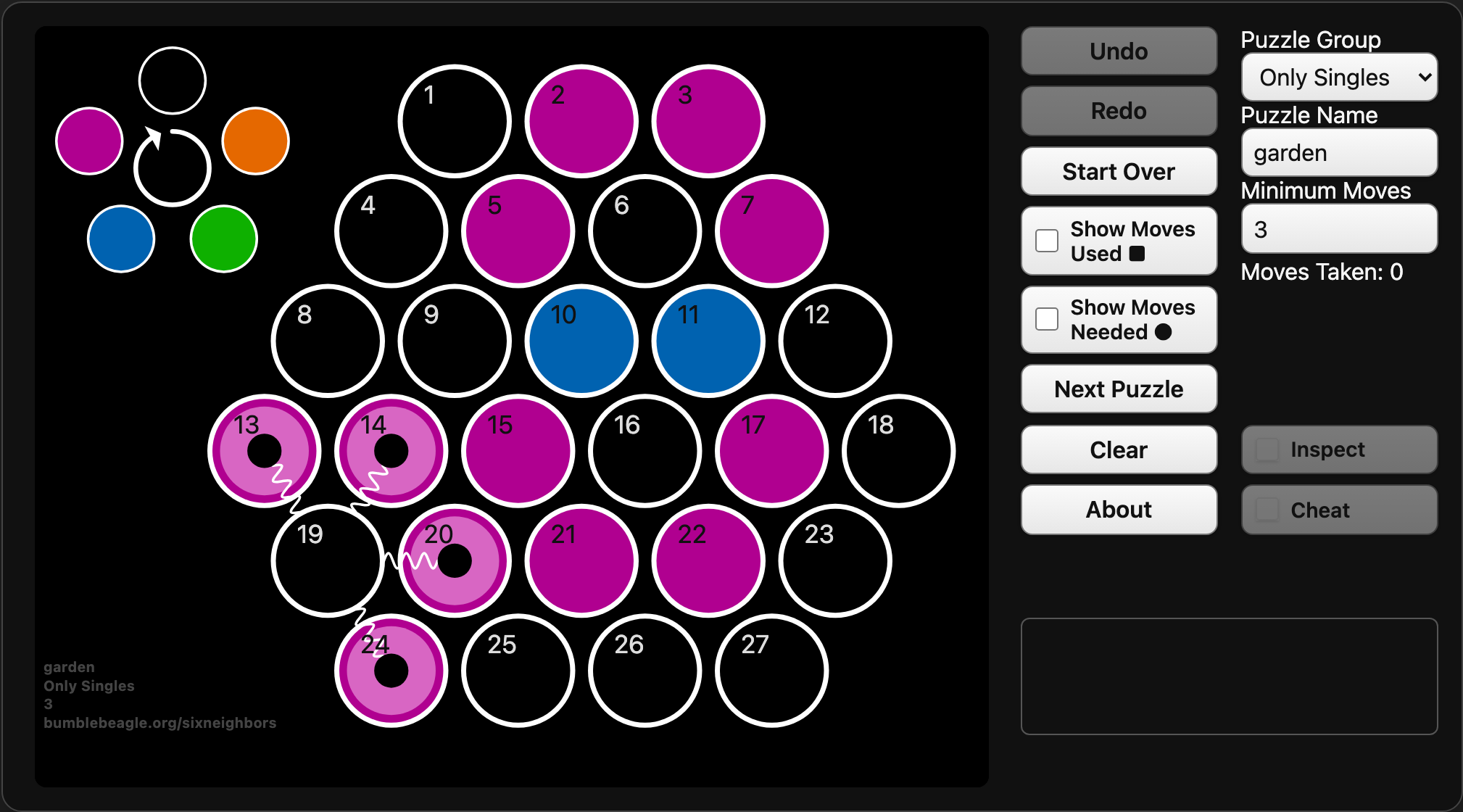
Make a move on cell 19. Each of its four neighbors advances from plum to black.
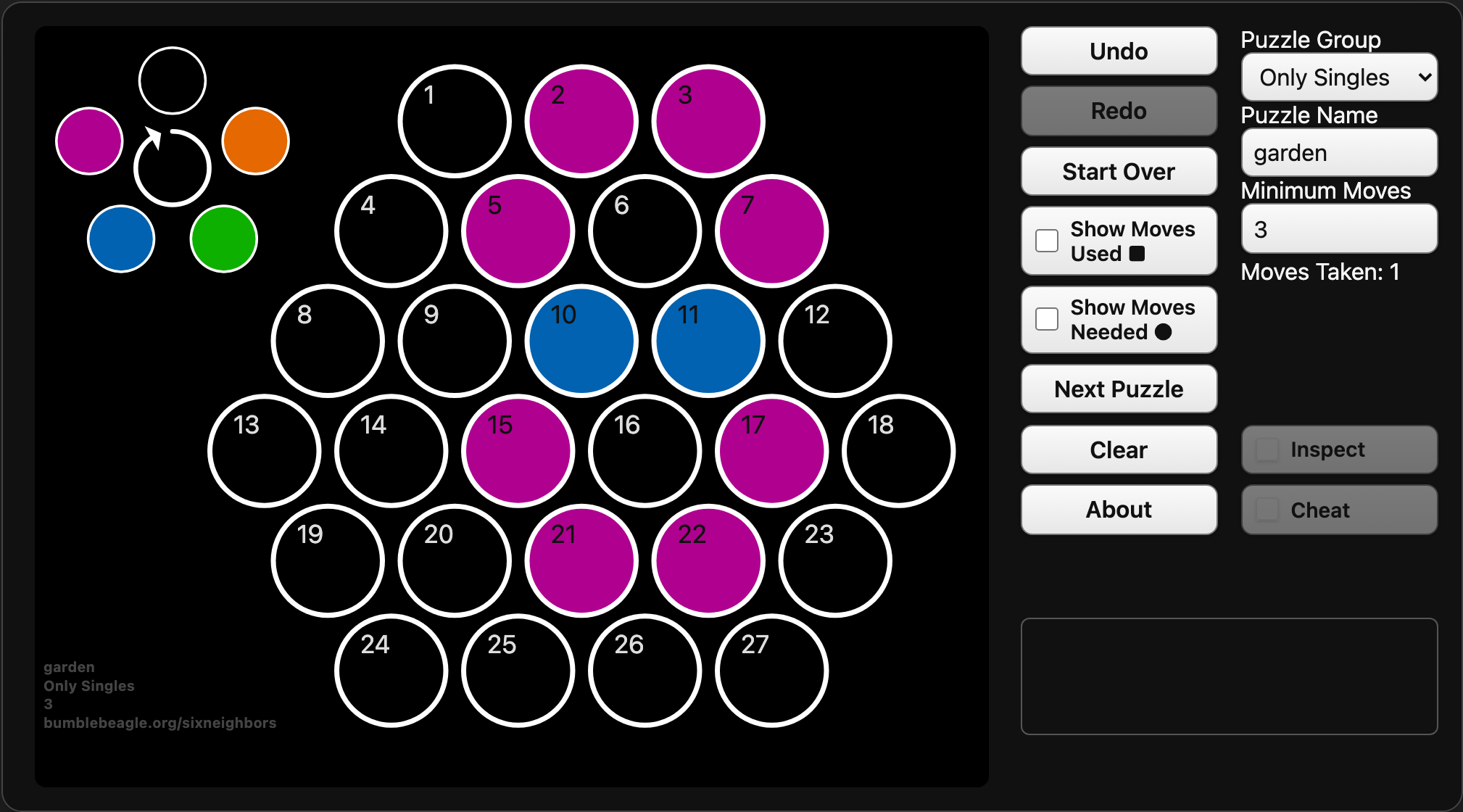
We are left with several plum cells and two blueberry cells. The blueberry cells must each advance twice to reach black. The next move sets that up.
Second move: cell 6
Inspecting cell 6 shows that a move there will change four of its neighbors to black and advance the other two from blueberry to plum.
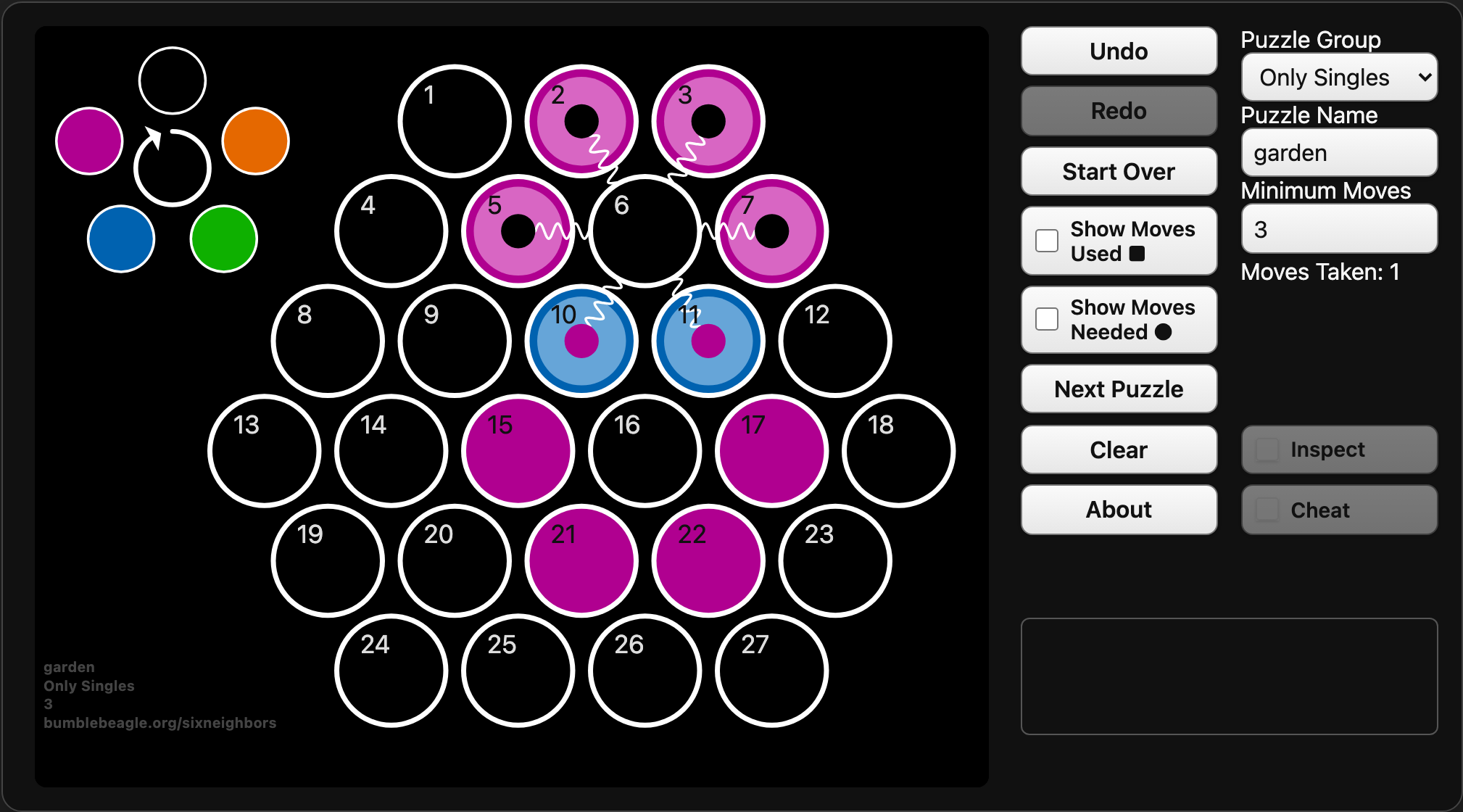
Make a move on cell 6. Six plum cells remain, arranged in a ring.
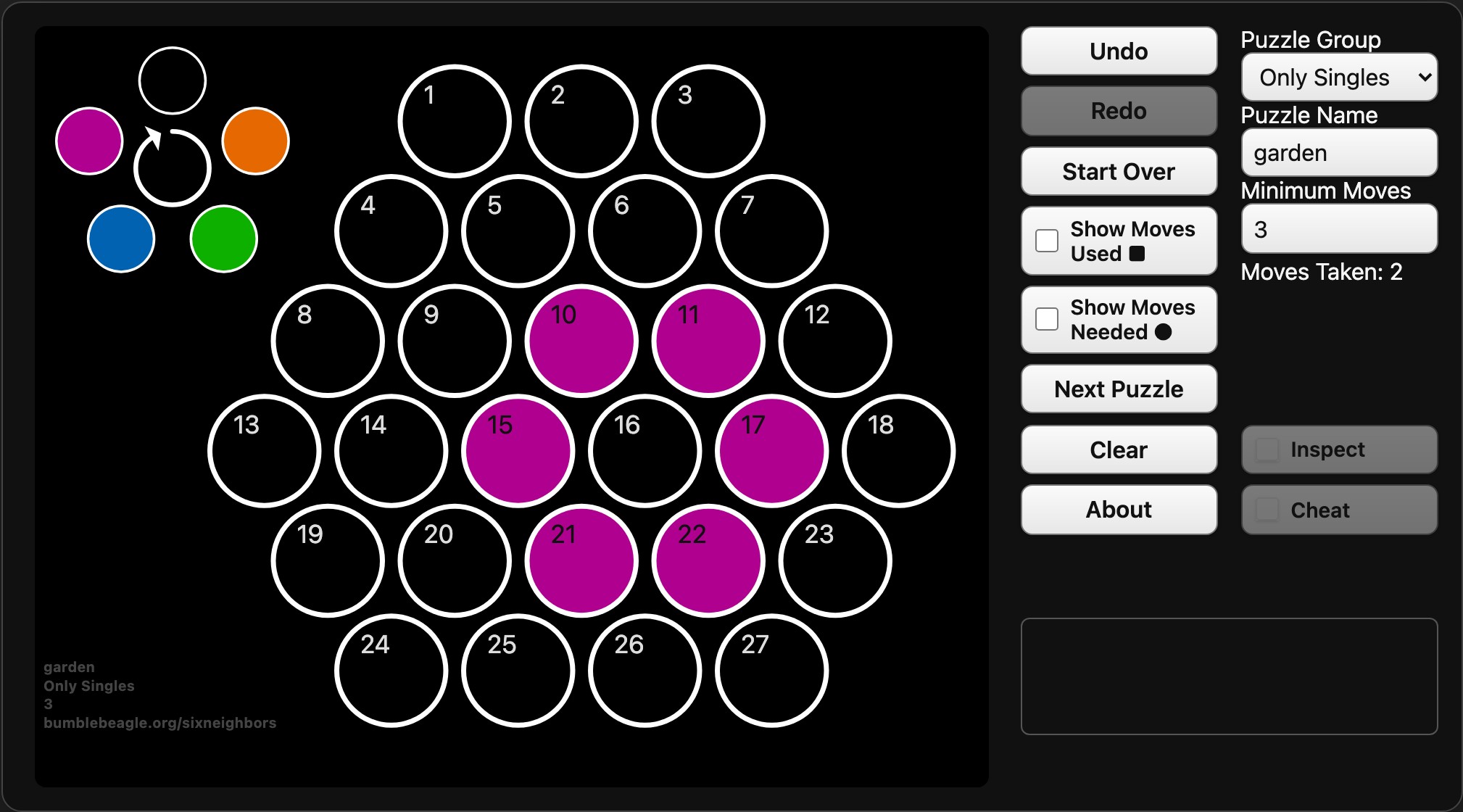
Final move: cell 16
Inspecting cell 16 shows that it neighbors all six remaining plum cells. A move there will change every one of them to black.
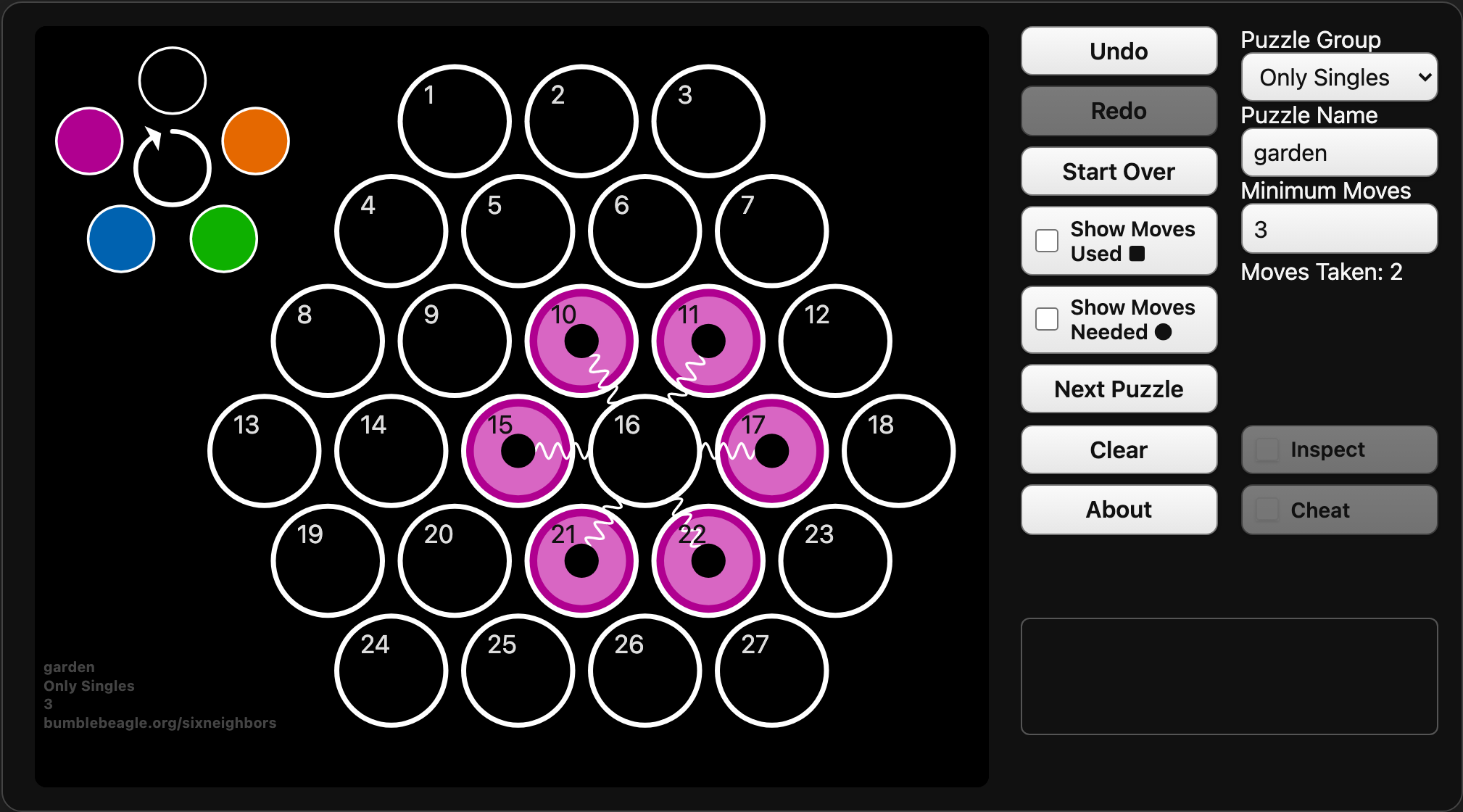
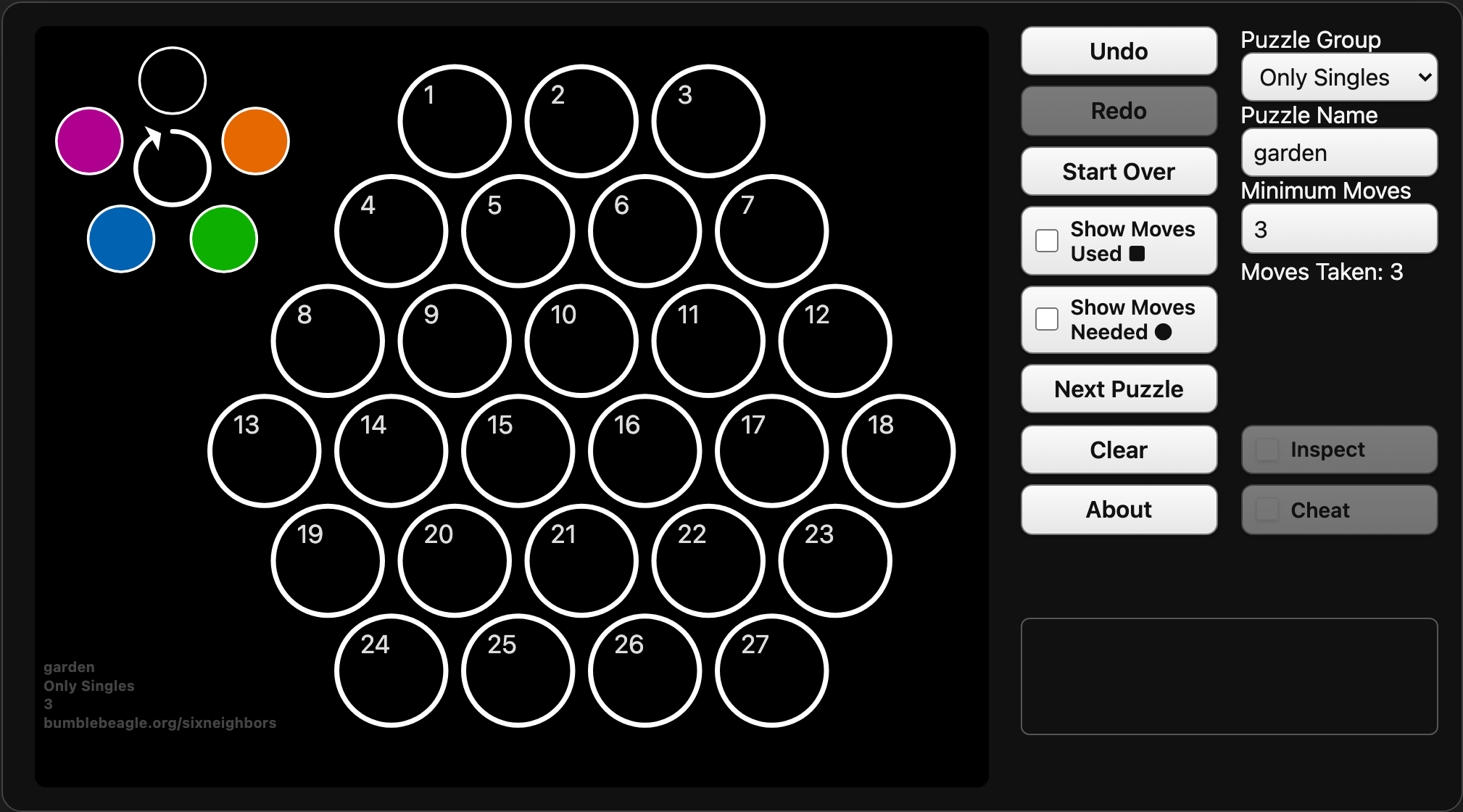
Make a move on cell 16. Every cell is now black, and the puzzle is solved.
Move order does not matter
We could also solve this puzzle by moving at cells 16, 6, and 19. Only the collection of moves matters, not the order in which they are made.
Other useful controls
Undo and Start Over
Undo takes back a move. Start Over restores the puzzle to its original state, while Next Puzzle creates another puzzle.
Puzzle Name
Enter a name in the Puzzle Name field and press Return to select a particular puzzle. A puzzle name always identifies the same puzzle.
Puzzle Group and Minimum Moves
These settings adjust difficulty. Puzzle Group controls how often a cell may need to be clicked in the solution. Only Singles uses each solution move at most once; the other groups include at least one double, triple, or quadruple move.
With Minimum Moves set to 7 and Puzzle Group set to Only Singles, the solution requires moves on seven different cells.
Moves Used and Moves Needed
Show Moves Used draws small squares indicating how many times you have moved at each cell.
Show Moves Needed draws small circles showing how many additional moves at each cell will clear the board from its current state.